Understanding Network Devices: A Simple Guide for Absolute Beginners
I build and explore modern web tech, scalable architectures, and full-stack solutions.
When I first started learning computers and networking, I felt very scared.
Words like modem, router, switch sounded big and confusing to me.
At home, I only knew one thing.
Wi-Fi works. Internet comes. That’s it.
In college, someone asked me,
“Do you know how the internet actually reaches your laptop?”
I had no answer.
I tried watching videos and reading blogs.
Most of them used hard English and technical words.
I felt like networking is only for experts.
Later, I understood one thing.
Network devices are actually very simple.
We see similar things in daily life.
In this blog, I will explain network devices the way I understood them.
No heavy English. No textbook style.
Just simple ideas for beginners like me.
WHAT IS A NETWORK DEVICE?
A network device is a helper.
Its job is simple.
It helps computers talk to each other and to the internet.
Just like people need roads to travel,
computers need network devices to send data.
Each device has one main responsibility.
If we understand that responsibility, confusion goes away.
Now let’s see them one by one.
WHAT IS A MODEM AND WHAT DOES IT DO?
Think of the modem as a translator.
Internet comes from the service provider in a different language.
Your computer cannot understand it directly.
The modem converts that signal into something your devices can use.
Without a modem:
Internet cannot enter your home or office
Router alone cannot connect to the internet
Simple line:
Modem brings internet inside.
WHAT IS A ROUTER AND HOW IT DIRECTS TRAFFIC?
Router is like a traffic police.
Once internet comes inside through the modem,
the router decides where data should go.
Phone, laptop, TV, tablet — all are connected to one router.
Router’s job:
Send data to the correct device
Bring data back from the internet
Simple line:
Router shares and directs the internet.
WHY MOST BEGINNERS GET CONFUSED
They think modem and router are the same
They only see one box and assume it does everything
They learn names before understanding the job
Explanations are too technical
I made all these mistakes too.
SWITCH VS HUB
Imagine a classroom.
Hub
Teacher shouts a message.
Every student hears it, even if it’s not for them.
That is a hub.
It sends data to everyone.
Switch
Teacher calls one student by name.
Only that student listens.
That is a switch.
It sends data to the right device only.
Simple line:
Hub is noisy.
Switch is smart.
WHAT IS A FIREWALL?
Firewall is a security gate.
Not everything from the internet is safe.
Viruses, hackers, unwanted traffic exist.
Firewall checks:
Who is coming in
What is going out
If something looks dangerous, it blocks it.
Simple line:
Firewall protects your network.
WHAT IS A LOAD BALANCER?
Imagine one popular shop.
If 100 people enter one counter, it will fail.
So the owner opens many counters.
Load balancer does the same.
It:
Receives many requests
Shares them across many servers
Prevents system crash
Simple line:
Load balancer shares the load.
HOW ALL THESE DEVICES WORK TOGETHER
A simple real-world flow:
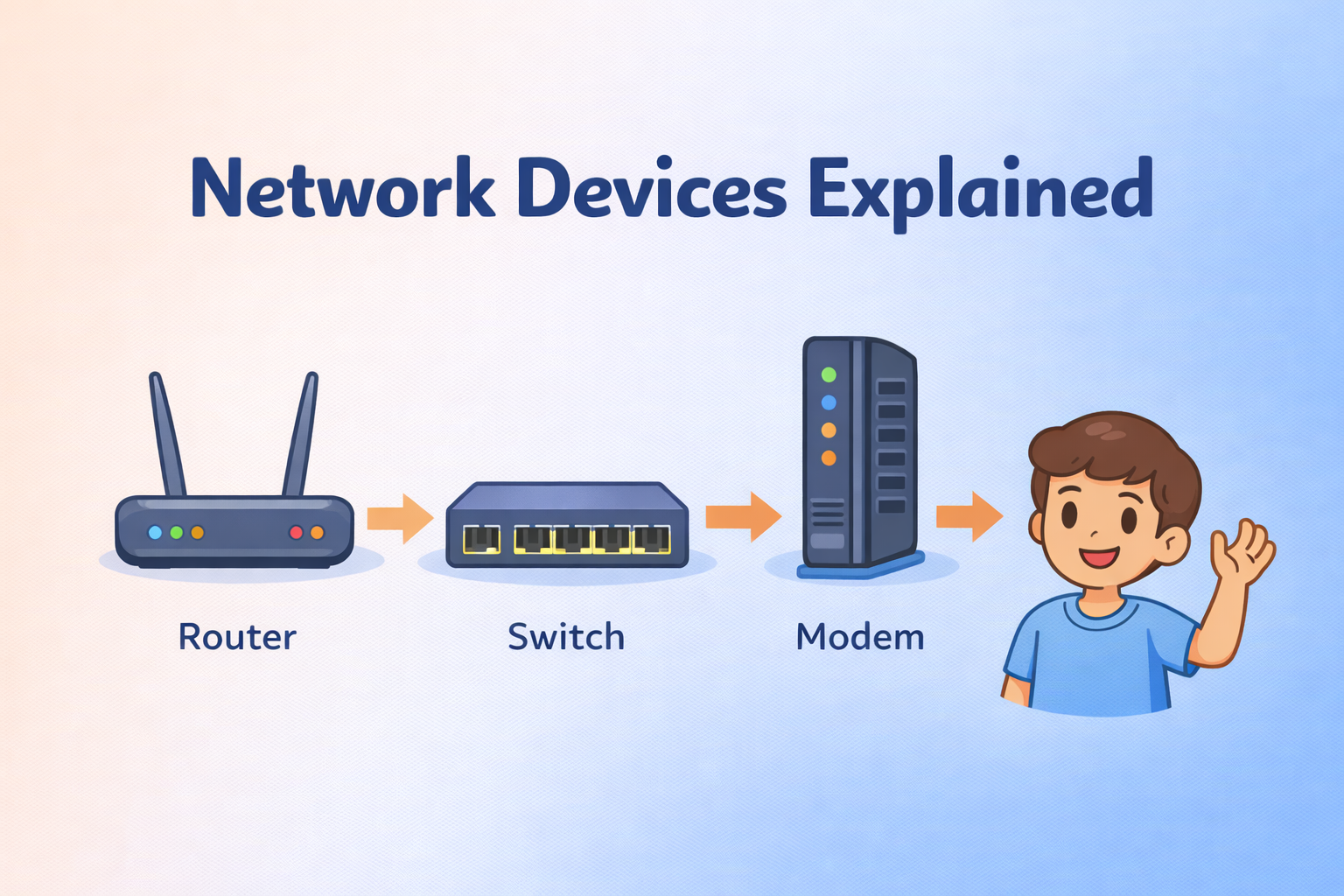
Internet comes from provider
Modem brings it inside
Router sends it to devices
Switch connects many computers locally
Firewall checks safety
Load balancer manages heavy traffic
All devices have one clear role.
HOW THIS CONNECTS TO SOFTWARE & BACKEND SYSTEMS
When you build apps or websites:
Router decides where request goes
Firewall protects your API
Load balancer handles many users
Switch connects servers internally
That’s why developers should understand network basics.