CSS Selectors 101: How I Learned to Choose HTML Elements Correctly
I build and explore modern web tech, scalable architectures, and full-stack solutions.
When I started learning CSS, I felt very confused.
I wrote CSS code, but nothing changed on the screen.
Sometimes the color changed.
Sometimes it did not.
I did not know why.
I remember thinking, “I wrote CSS… why is HTML not listening to me?”
Later, I understood one simple truth.
CSS does not work unless you tell which element to style.
That is when I learned about CSS selectors.
Selectors are not scary.
They are just a way to point and say,
“Hey, you… I want to style YOU.”
In this blog, I will explain selectors the way I understood them.
No heavy words.
No theory.
Just simple thinking.
If you are a beginner and feel afraid of CSS, this is for you.
WHAT IS A CSS SELECTOR?
A CSS selector is a way to choose an HTML element.
That’s it.
CSS is like giving instructions.
Selector is how CSS knows who should follow those instructions.
Without selectors, CSS is blind.
It does not know where to apply styles.
Think like this:
HTML = people
CSS = instructions
Selectors = names or addresses
CSS SELECTORS AS REAL-LIFE ADDRESSING
Imagine a classroom.
Calling “Students” → everyone listens
Calling “Boys” → only boys listen
Calling “Ravi” → only Ravi listens
CSS works the same way.
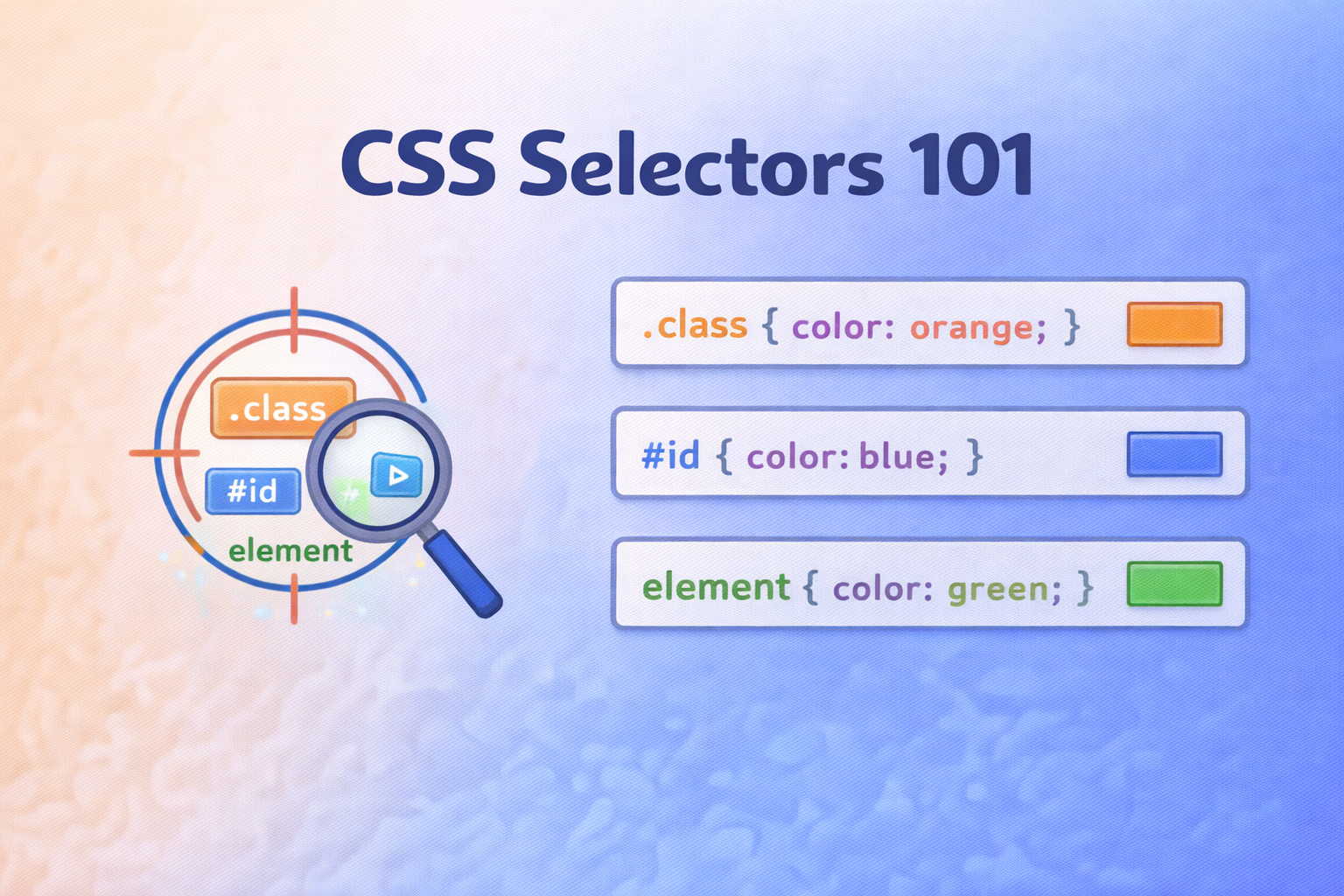
Element selector → everyone of that type
Class selector → a group
ID selector → one special person
ELEMENT SELECTOR (FIRST LEVEL)
Element selector targets all same HTML tags.
Example: all paragraphs.
p {
  color: blue;
}
What this means in simple words:
“All <p> tags should become blue.”
Before CSS:
Text is normal.
After CSS:
All paragraph text turns blue.
This is the basic and safest selector for beginners.
CLASS SELECTOR (SECOND LEVEL)
Class selector is used for a group of elements.
In HTML:
<p class="note">This is important</p>
<p class="note">Read this carefully</p>
In CSS:
.note {
  color: red;
}
What is happening:
Only elements with class note turn red.
Class is like saying:
“Only students wearing blue uniform, listen.”
You can use the same class many times.
That is why class is very useful.
ID SELECTOR (THIRD LEVEL)
ID selector is for one unique element.
In HTML:
<h1 id="main-title">Welcome</h1>
In CSS:
#main-title {
  color: green;
}
Simple meaning:
Only this one heading will change.
ID is like calling one person by name.
Use it only once on a page.
GROUP SELECTOR
Sometimes we want to style many elements together.
h1, h2, p {
  font-family: Arial;
}
This means:
“All h1, h2, and p should use same font.”
It saves time.
No extra thinking.
DESCENDANT SELECTOR (VERY BASIC)
This selector means:
“Element inside another element.”
div p {
  color: purple;
}
Meaning:
“Only <p> inside <div> should change.”
Paragraph outside div will not change.
BASIC SELECTOR PRIORITY (HIGH LEVEL)
Just remember this order:
ID (strongest)
Class
Element (weakest)
More specific selector wins.
Do not overthink now.
This understanding is enough for beginners.