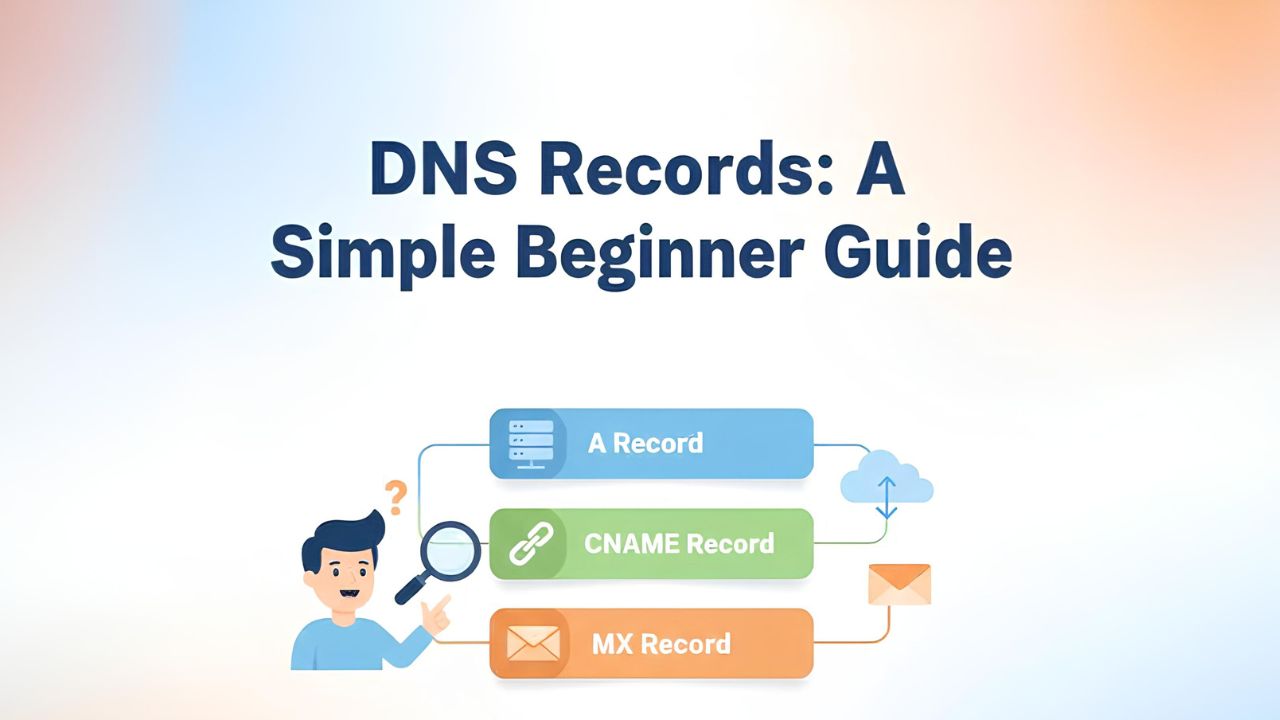
DNS Records: A Simple Beginner Guide
I build and explore modern web tech, scalable architectures, and full-stack solutions.
When I started learning about websites, I had one big question.
“How does my browser know where a website lives?”
I remember buying my first domain. I opened the DNS page and saw many strange words.
A record, CNAME, MX, TXT…
Honestly, I felt scared.
Everyone online was using big English and technical words.
I felt like maybe this topic is not for me.
But slowly, I understood one simple idea.
DNS is just like a phonebook.
Once I understood this, everything became easy.
Not in one day. But step by step.
In this blog, I want to explain DNS records in very simple English.
Like a friend explaining to another friend.
If you are a beginner, or English is not your first language, this is for you.
I was also like you.
WHAT IS DNS?
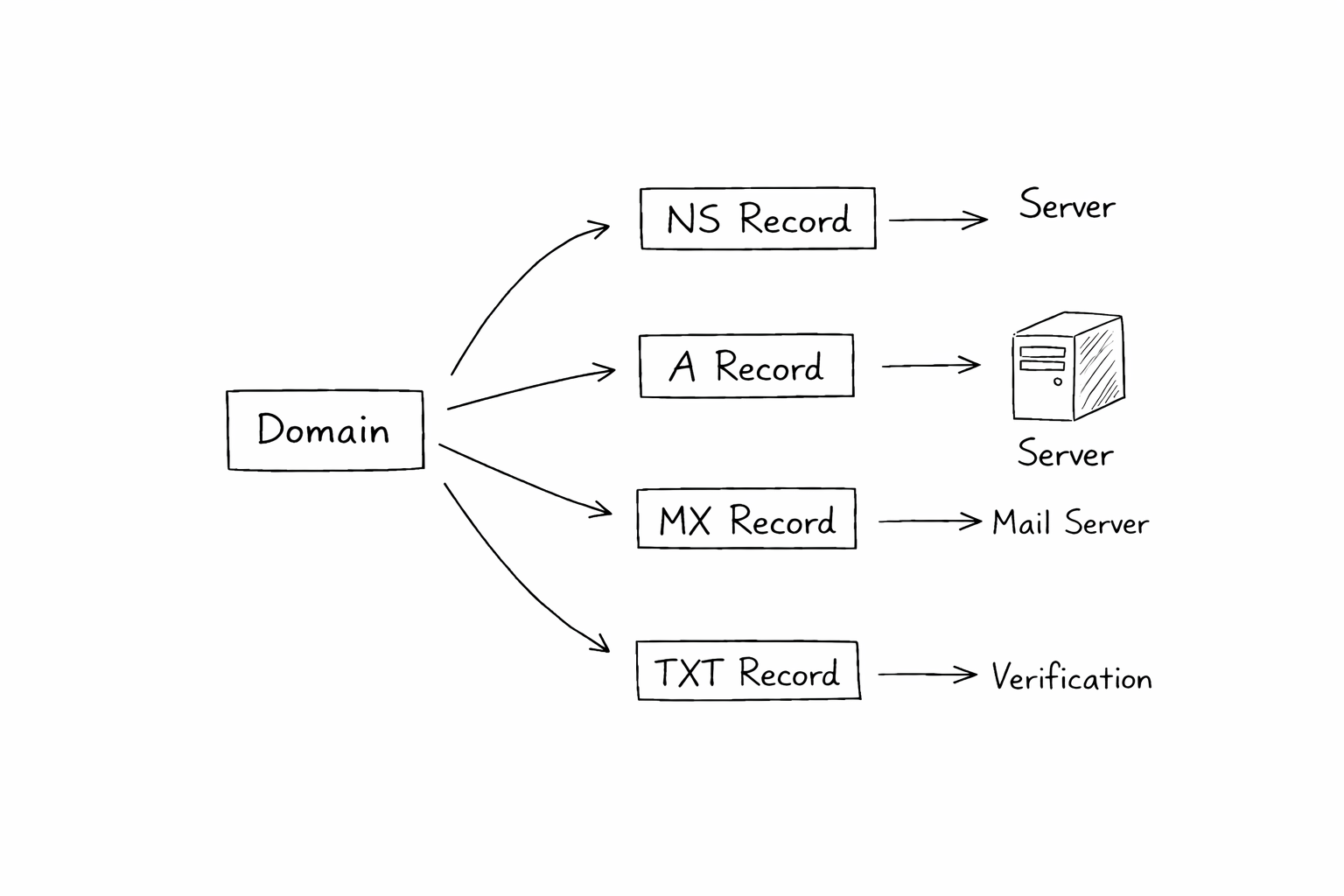
DNS means Domain Name System.
But don’t worry about the full name.
Think like this:
Websites have numbers called IP addresses
Humans don’t like numbers
Humans like names
DNS helps connect the website name to the number.
Just like a phonebook connects a person’s name to a phone number.
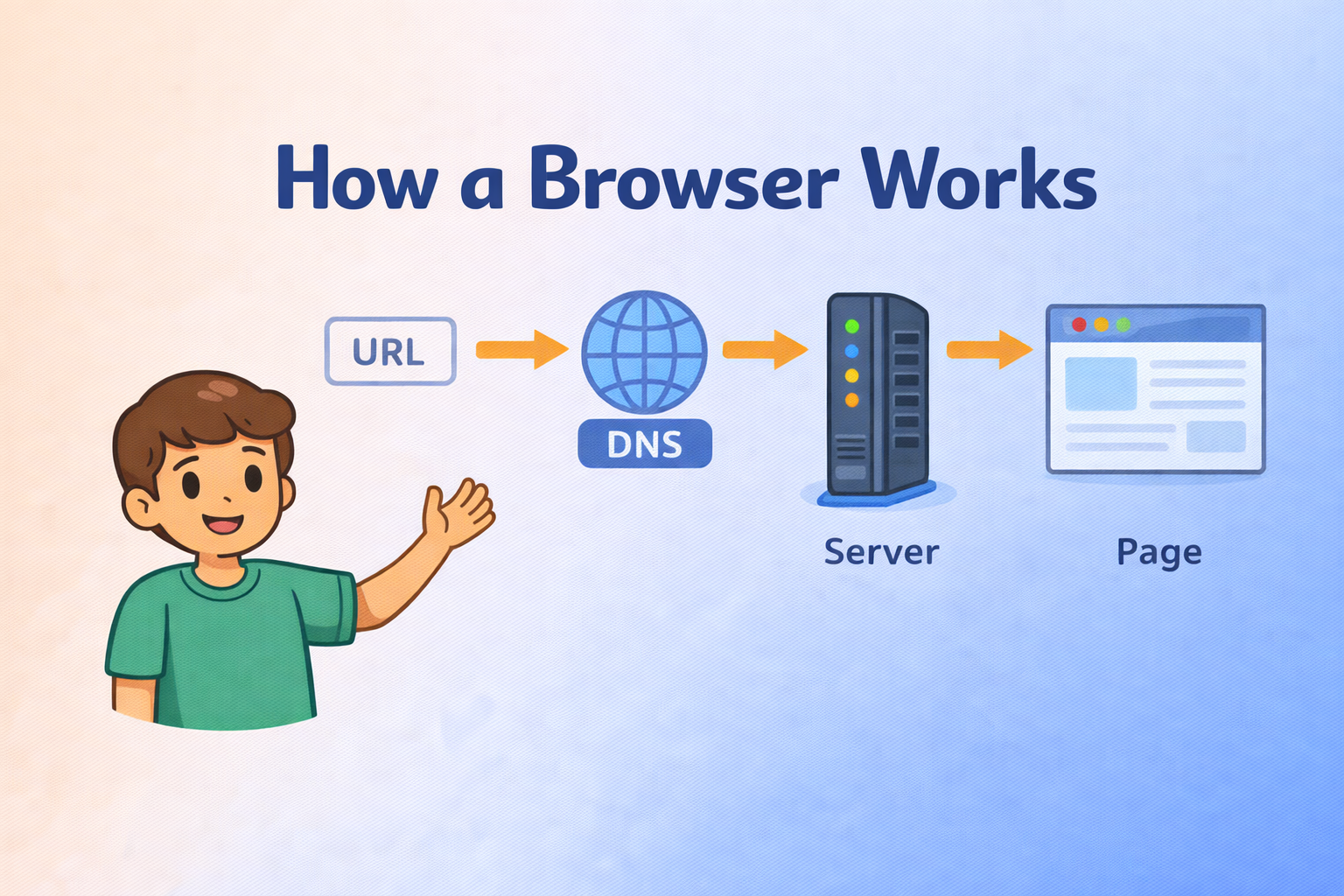
You type google.com
DNS finds the correct number
Browser goes to that place
That’s it.
WHY DNS RECORDS ARE NEEDED
DNS records are like small notes in the phonebook.
Each note has one job.
Without DNS records:
Browser will not know where to go
Emails will not know where to reach
Website will not open
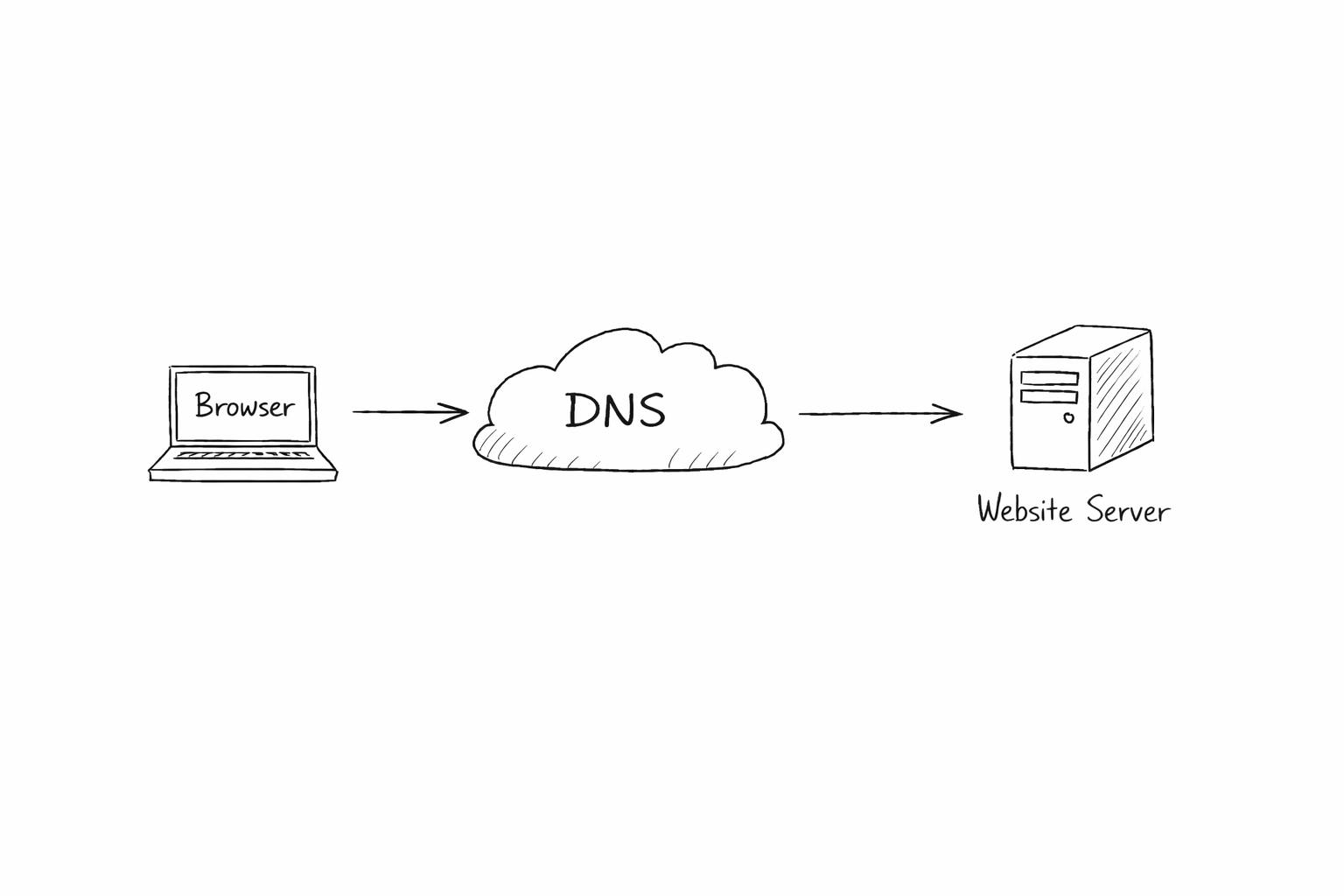
Different records solve different problems.
That’s why we need many DNS records.
WHAT IS AN NS RECORD? (Who Controls the Domain)
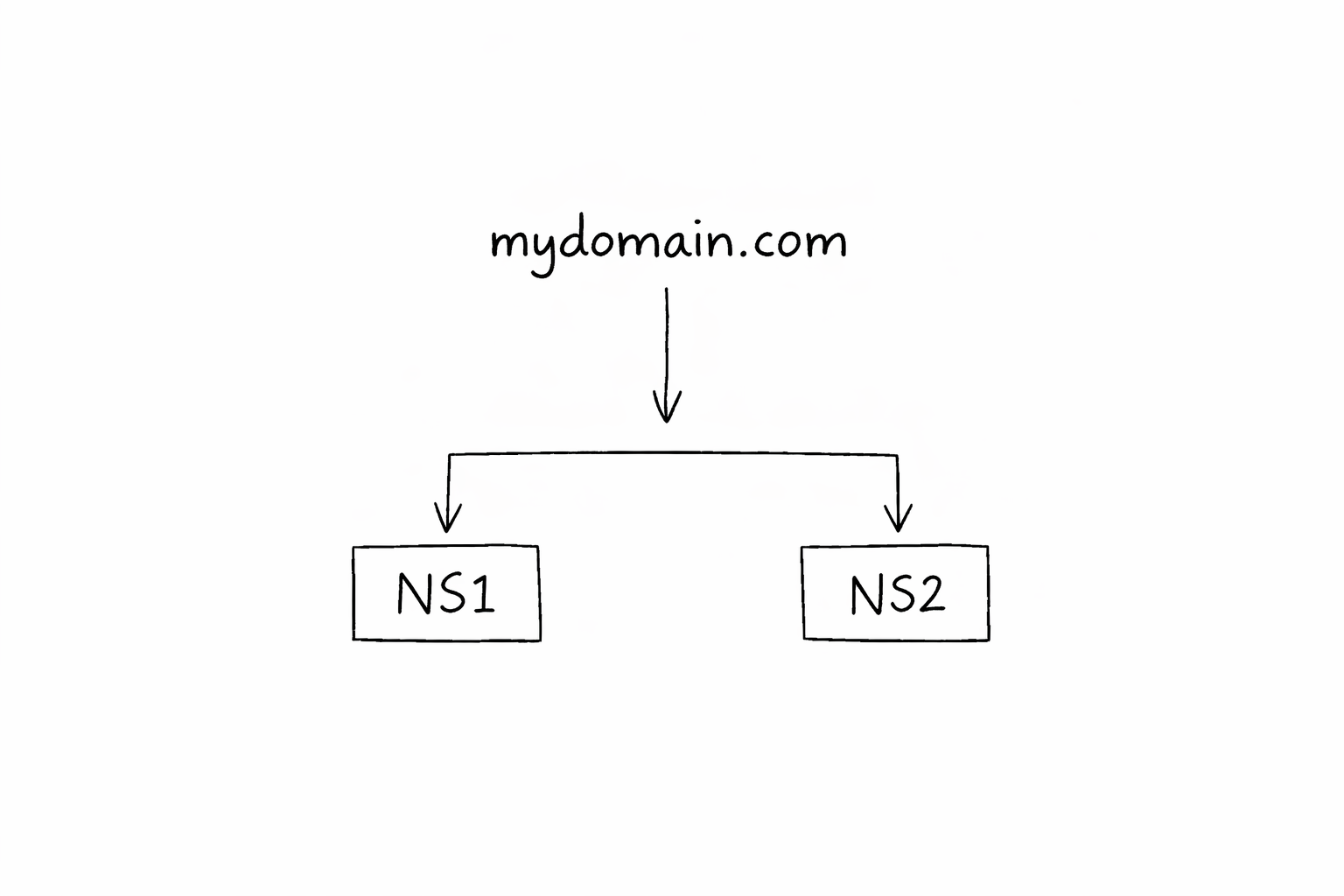
NS means Name Server.
NS record says:
“Who is responsible for this domain?”
Think like this:
Your house is in one area.
That area has one post office.
NS record tells:
“This domain’s DNS is handled here.”
Without NS record:
No DNS will work
Nothing can be found
NS is like the head of everything.
WHAT IS AN A RECORD? (Domain to IPv4 Address)
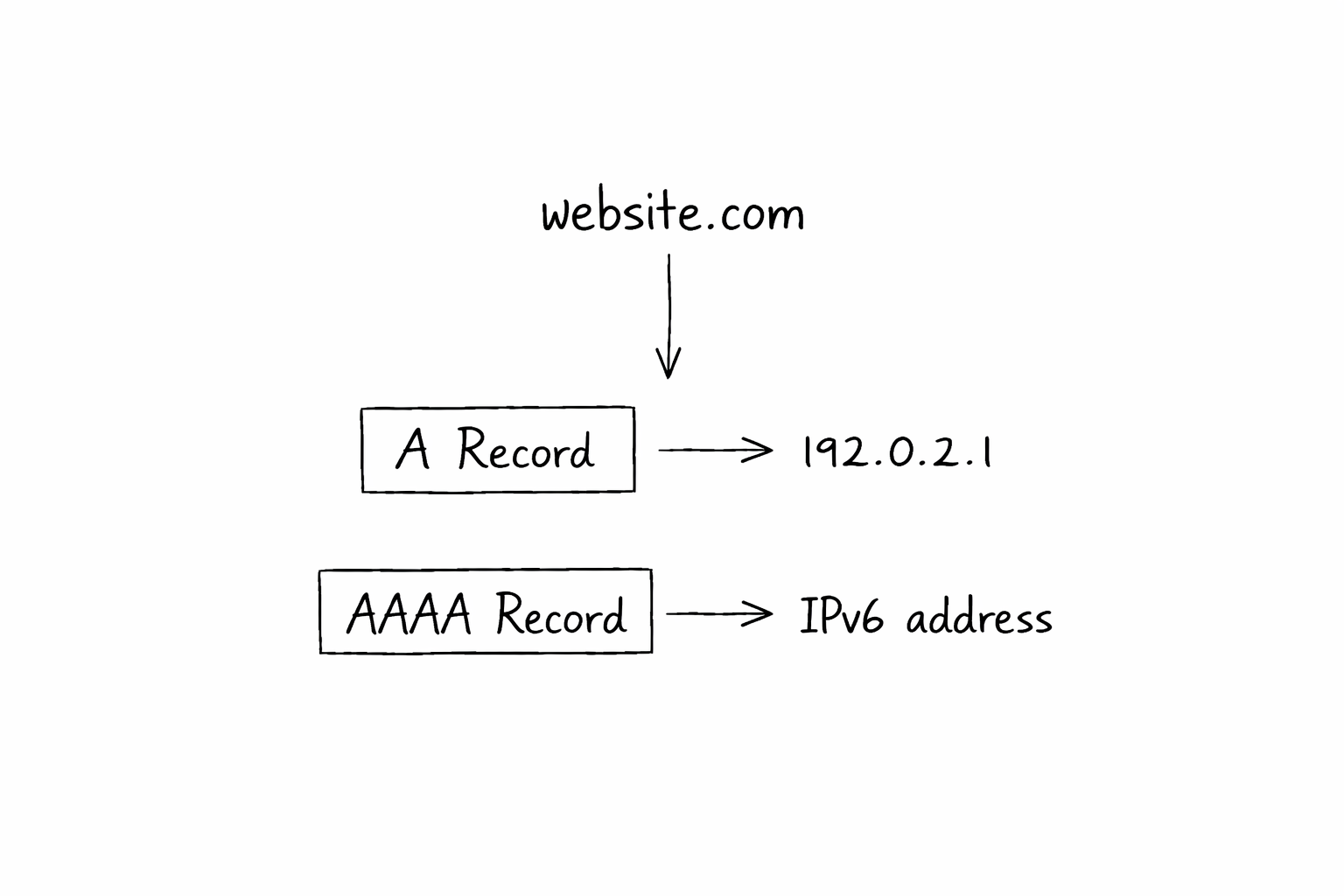
A record connects:
domain name → IPv4 number
Example:
- website.com → 192.168.1.1
This is the most important record for websites.
When someone opens your website:
Browser asks DNS
DNS checks A record
Browser goes to that IP
If A record is wrong:
- Website will not open
Simple as that.
WHAT IS AN AAAA RECORD? (Domain to IPv6 Address)
AAAA record is similar to A record.
The only difference:
A record uses old IP (IPv4)
AAAA record uses new IP (IPv6)
IPv6 is longer.
That’s all.
If your server supports IPv6, you use AAAA record.
If not, it’s okay to ignore it for now.
Many beginners get confused here.
You don’t need both always.
WHAT IS A CNAME RECORD? (One Name Points to Another)
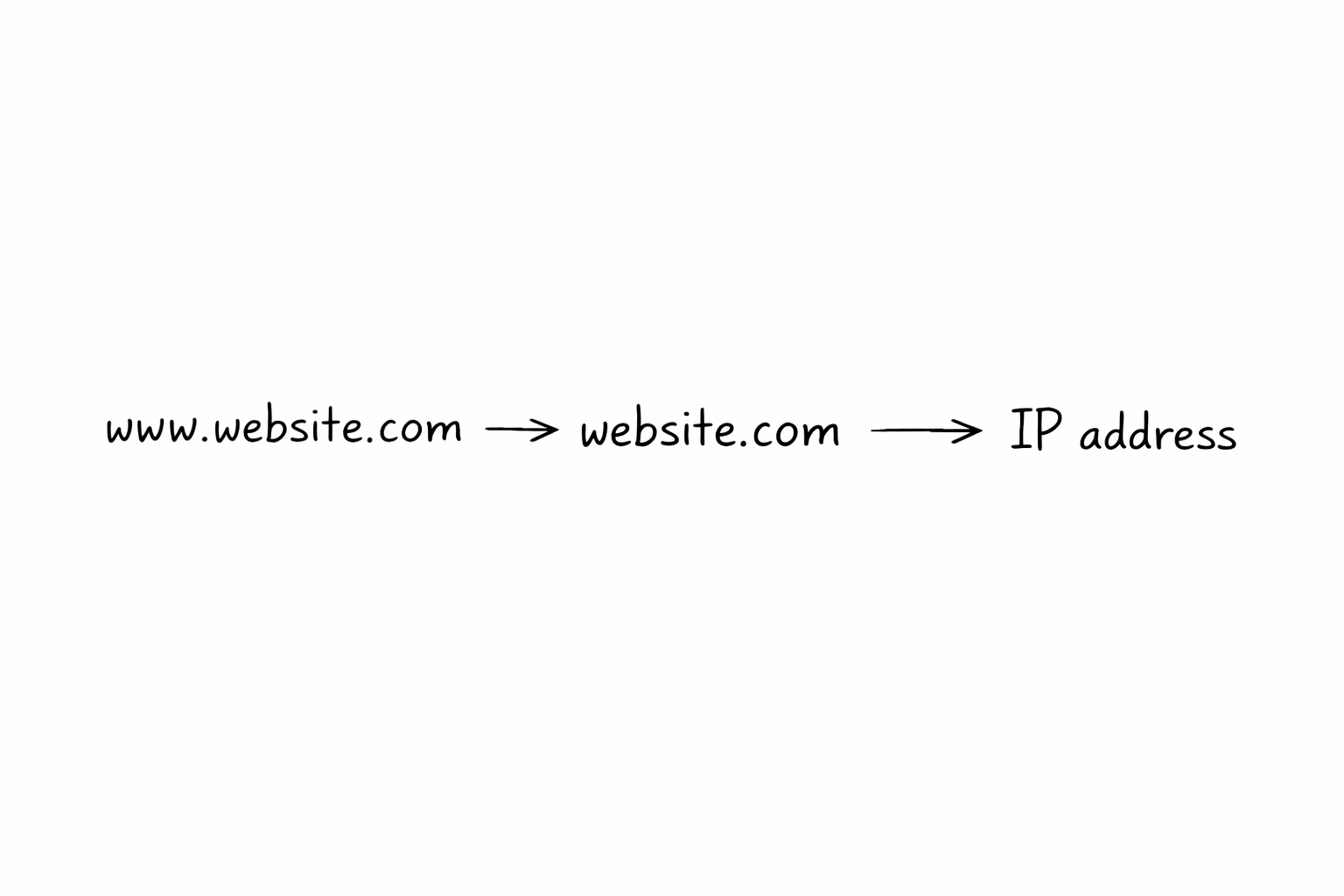
CNAME means Canonical Name.
This record does not point to an IP.
It points to another name.
Example:
- www.website.com → website.com
Think like this:
Your friend has two names.
But both names refer to the same person.
CNAME helps avoid repeating IP addresses.
Important beginner rule:
- Never use A record and CNAME for same name
This confusion is very common.
WHAT IS AN MX RECORD? (How Emails Find You)
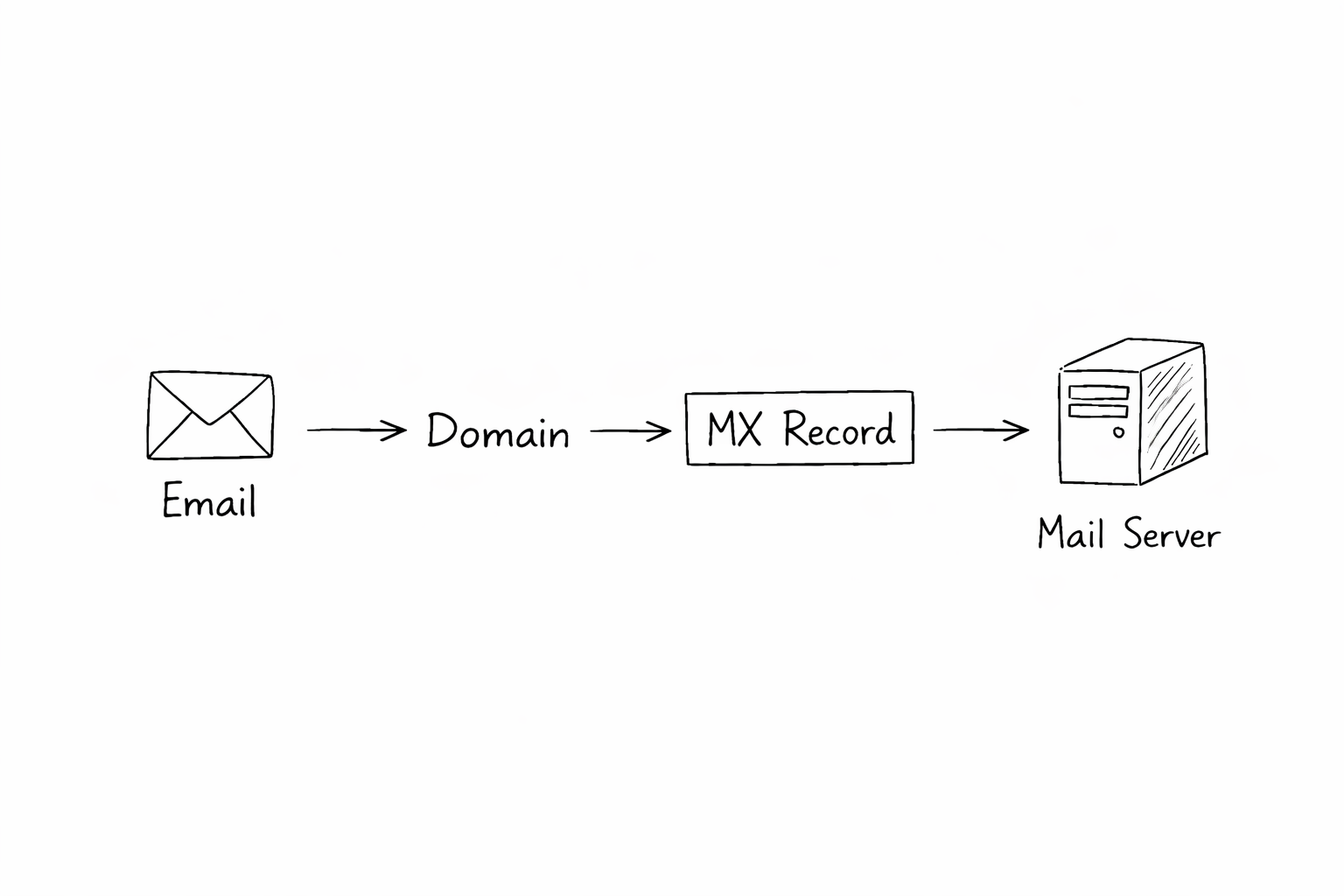
MX means Mail Exchange.
MX record is only for email.
It tells:
“Where should emails go?”
Example:
email to you@website.com
DNS checks MX record
Email goes to correct mail server
MX has nothing to do with website loading.
Many beginners mix NS and MX.
They are different.
NS is for DNS control.
MX is only for email.
WHAT IS A TXT RECORD? (Extra Information)
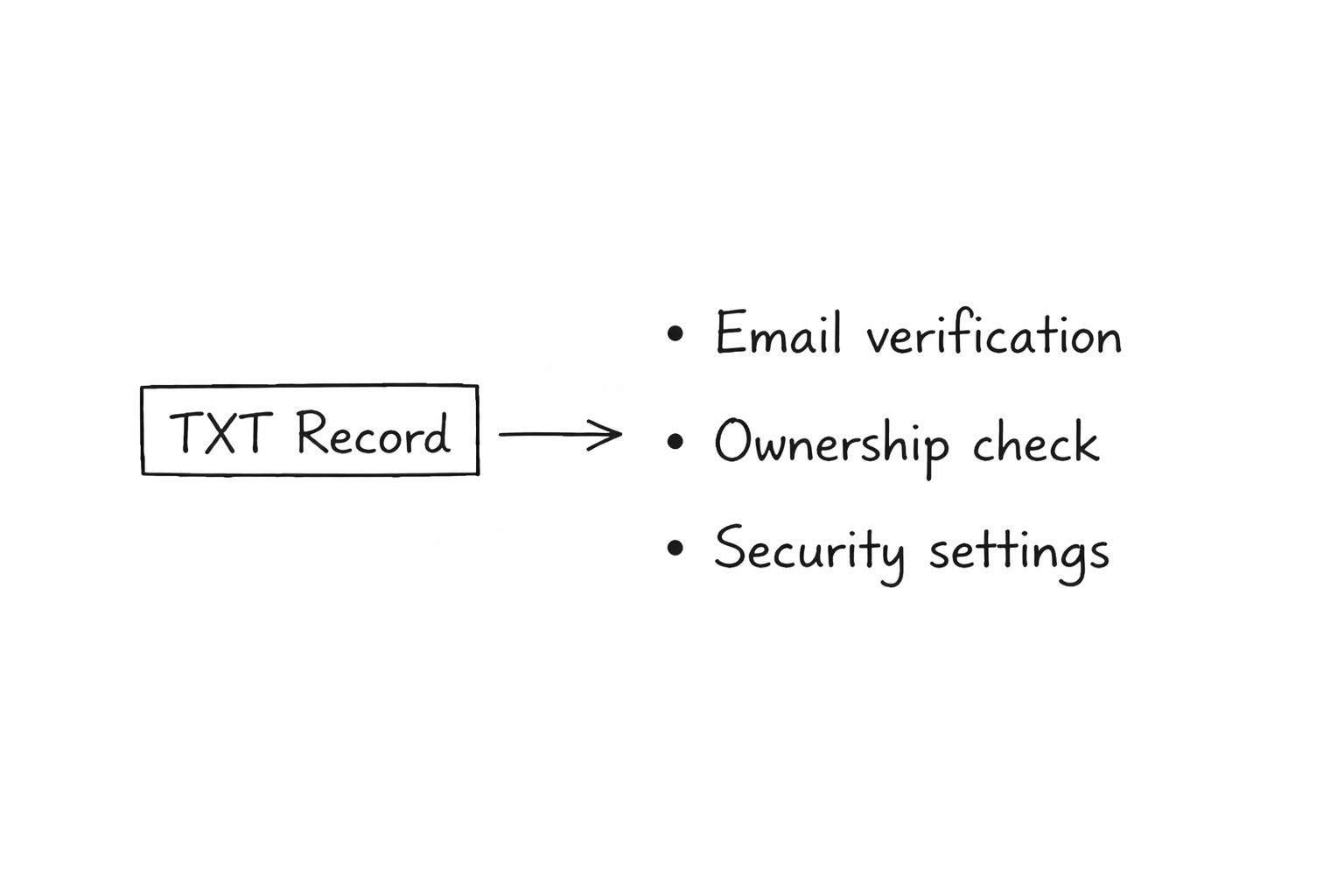
TXT record stores text.
But not for humans.
It is used for:
Email verification
Domain ownership check
Security settings
Example:
Google asks you to add TXT record
You add it
Google trusts you own the domain
TXT record looks confusing.
But most of the time, you just copy-paste.
No thinking needed.
HOW ALL DNS RECORDS WORK TOGETHER
Let’s imagine one small website.
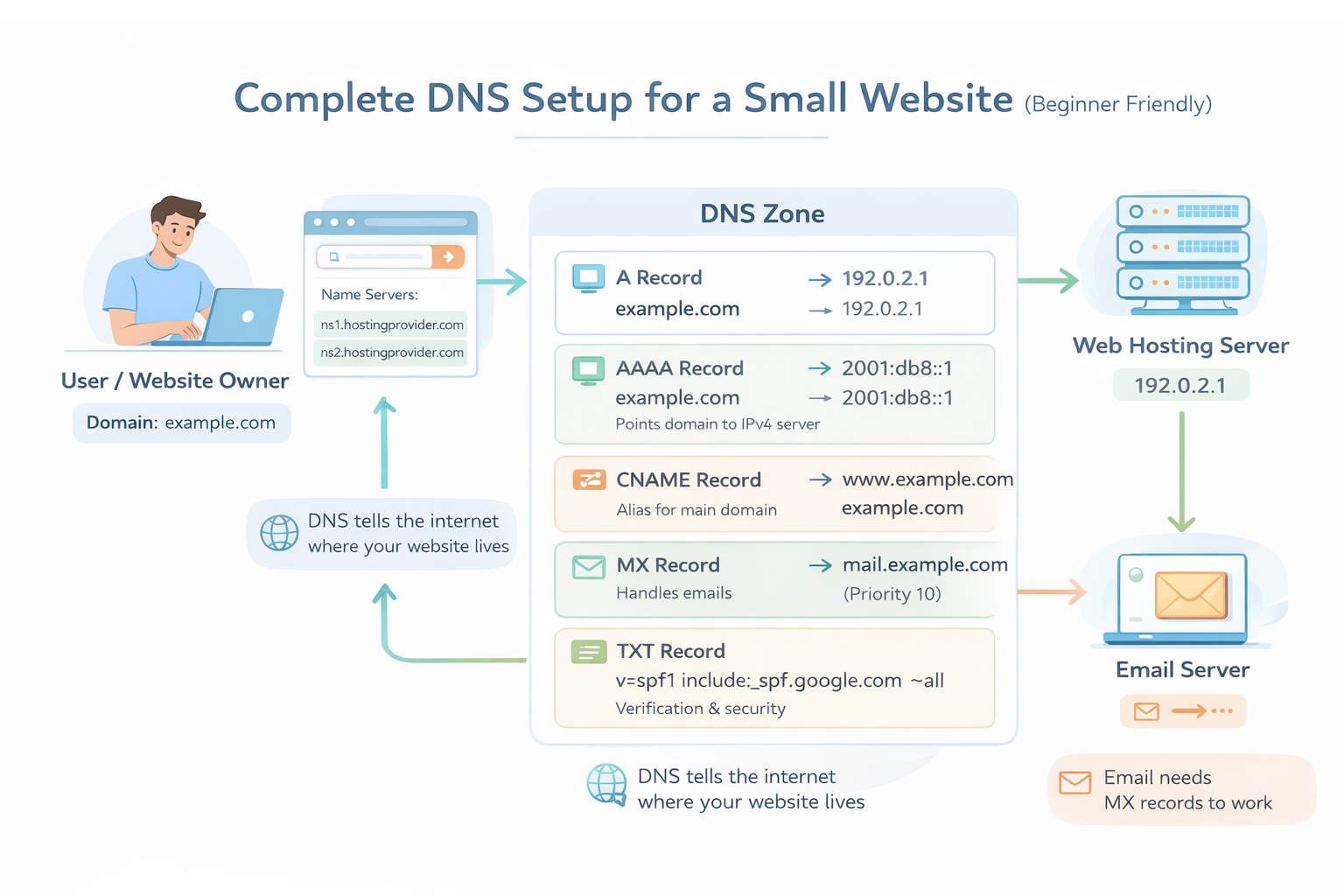
NS record says who manages DNS
A or AAAA record says where website lives
CNAME helps with extra names like www
MX record helps emails reach inbox
TXT record helps verification and security
All records work like a team.
One website needs many small helpers.
SIMPLE REAL LIFE ANALOGY
Think of a house.
NS = city office
A / AAAA = house address
CNAME = nickname of house
MX = mailbox location
TXT = nameplate proof
Now DNS feels normal.