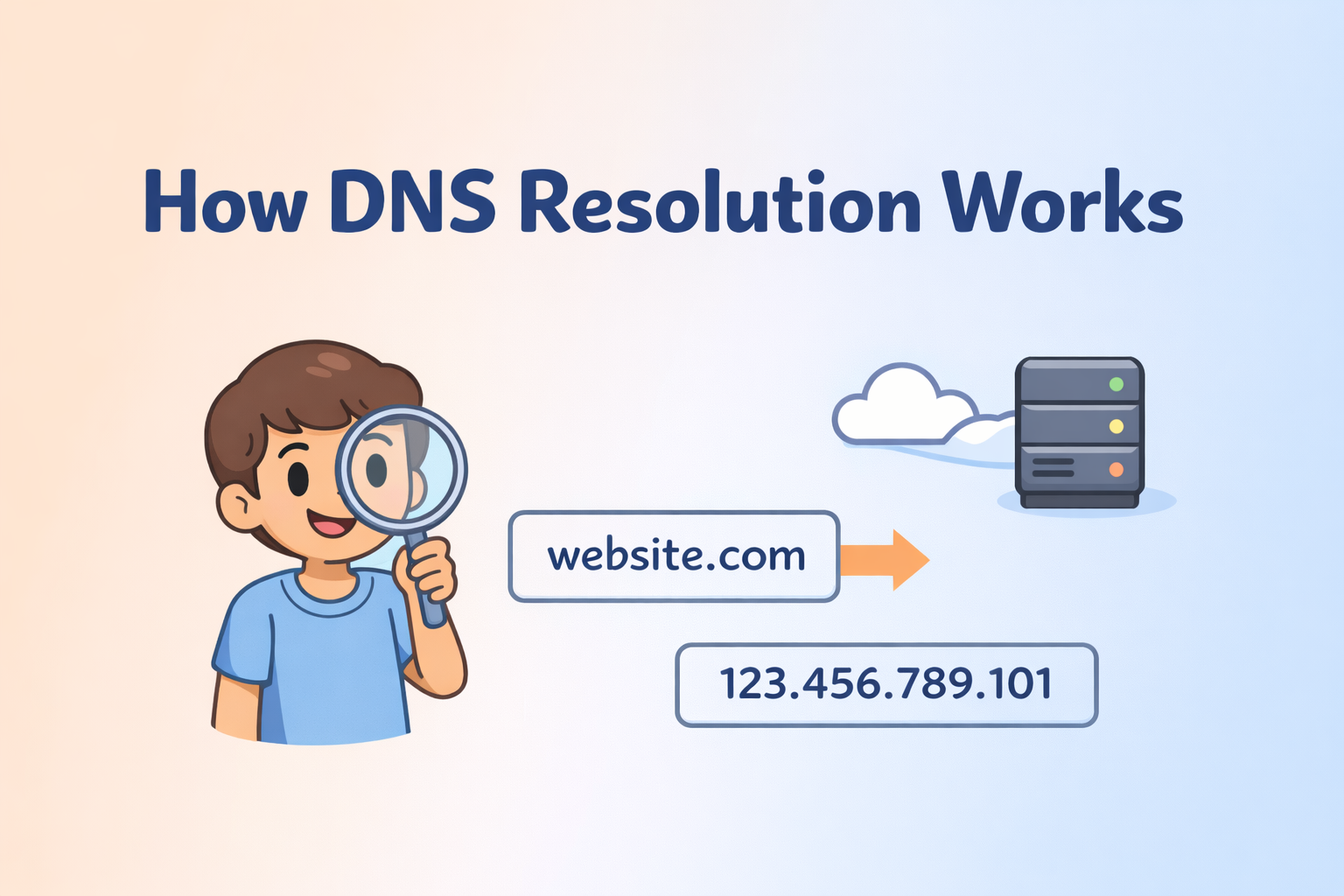
How DNS Resolution Works
I build and explore modern web tech, scalable architectures, and full-stack solutions.
When I first heard about DNS resolution, I honestly felt lost.
People used words like browser, server, root, TLD, authoritative.
Everything sounded heavy and confusing.
I thought when I type a website name,
the browser directly opens that website.
One day, my website did not load.
Internet was working. Other websites opened fine.
Someone told me, “This is a DNS issue.”
That moment made me curious.
I wanted to know what really happens
when I type a website name in the browser.
Later, I saw a DNS resolution diagram.
That image changed everything for me.
I understood DNS is not one step.
It is a flow.
In this blog, I will explain DNS resolution
exactly in the order shown in the image
and how dig helps us see this flow clearly.
3. WHAT IS DNS AND WHY NAME RESOLUTION EXISTS
DNS exists because humans and computers work differently.
Humans like names.
Computers like numbers.
We type:
google.com
But the server needs:
IP address (number)
DNS is the system that:
Takes a website name
Finds the correct IP address
This process is called name resolution.
Without DNS:
We must remember numbers
Internet becomes very hard to use
So DNS exists to make the internet usable for humans.
WHAT IS DNS RESOLUTION
DNS resolution means finding the IP address for a domain name.
This does not happen in one step.
It happens layer by layer.
According to the image, the flow is:
Browser
Recursive DNS
Root server
TLD server
Authoritative server
Each server does one small job.
Together, they solve the problem.
WHAT IS THE dig COMMAND AND WHEN IT IS USED
Normally, browsers hide DNS resolution from us.
We never see which server answered what.
dig is a command used to see DNS answers clearly.
Why dig is useful
To understand DNS resolution
To see which server responds
To debug DNS problems
What dig gives us
Name servers
IP addresses
DNS path
dig does not change DNS.
It only asks questions and shows answers.
DNS RESOLUTION FLOW
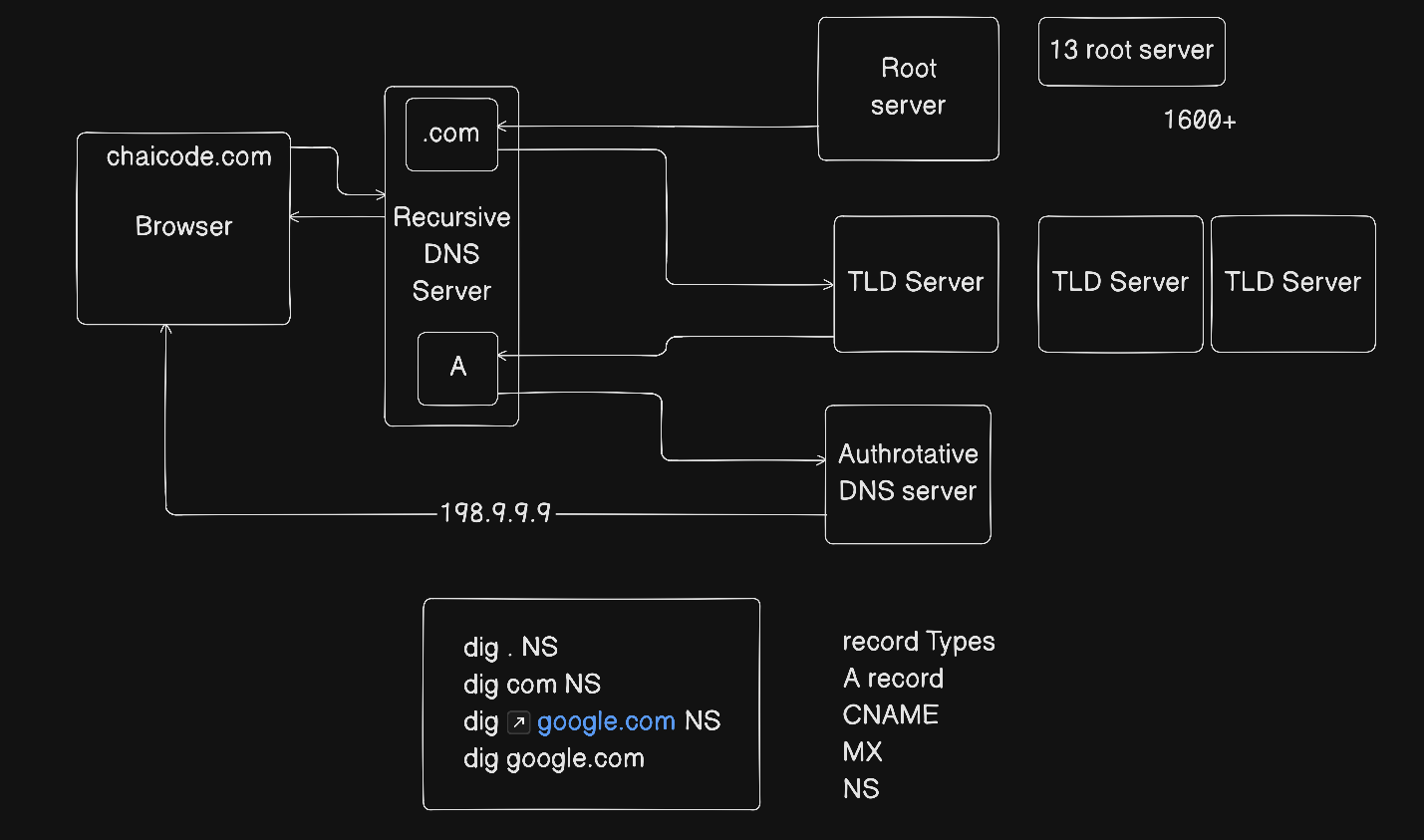
Now let’s explain the image step by step.
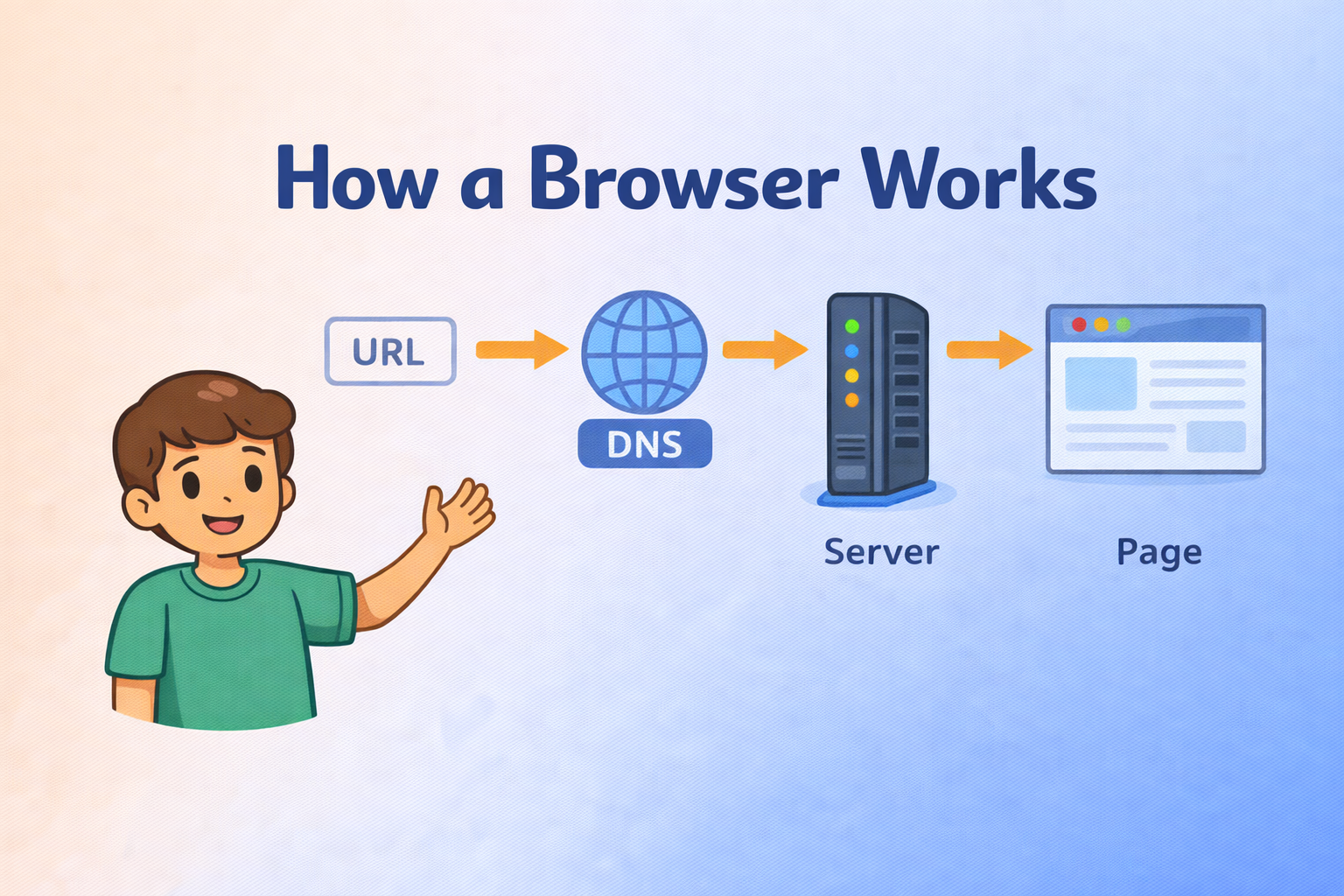
STEP 1: BROWSER (chaicode.com)
You type in the browser:
chaicode.com
Important points:
Browser does not know IP address
Browser only knows the name
So the browser says:
“I need the IP for chaiocode.com”
Browser cannot find it alone.
STEP 2: RECURSIVE DNS SERVER (198.9.9.9)
The browser sends the request to a Recursive DNS Server.
This server can be:
ISP DNS
Google DNS (8.8.8.8)
Quad9 (9.9.9.9)
In the image, it is shown as 198.9.9.9.
Role of recursive DNS:
Do all the hard work
Talk to other DNS servers
Return final answer to browser
Browser waits here.
STEP 3: ROOT NAME SERVERS (dig . NS)
What this command is
dig . NS
This command asks:
“Who manages the root of the internet?”
What happens in DNS resolution
Root servers are the starting point
They do NOT know website IP
They only know where TLD servers are
Image shows:
13 root servers
1600+ copies worldwide
Root server replies:
“Go ask the .com TLD servers”
This is the first DNS stop.
STEP 4: TLD NAME SERVERS (dig com NS)
What this command is
dig com NS
This command asks:
“Who manages all .com domains?”
What happens in DNS resolution
TLD servers handle:
.com
.org
.in
They:
Do not know IP address
Know which authoritative server owns the domain
TLD replies:
“Ask this authoritative DNS server”
This is the second DNS stop.
STEP 5: AUTHORITATIVE NAME SERVERS (dig google.com NS)
What this command is
dig google.com NS
This command asks:
“Who is responsible for google.com?”
What happens in DNS resolution
Authoritative servers:
Own the domain
Store real DNS records
Give final answers
They know:
A record (IP)
MX (mail)
CNAME
NS
This is the final decision layer.
STEP 6: FINAL IP ANSWER (dig google.com)
What this command is
dig google.com
This command asks:
“What is the IP address of google.com?”
Full DNS resolution flow
Browser asks recursive DNS
Recursive DNS asks root server
Root server points to TLD server
TLD server points to authoritative server
Authoritative server gives IP
Browser connects to website
Expected output
IP address (A record)
TTL value
This is the end of DNS resolution.
VERY IMPORTANT POINT
Browser talks only to recursive DNS
Browser NEVER talks to root or TLD directly
Recursive DNS does all the travelling